
How to Log In
Use these steps to sign in to your Bet On Red account:
- Visit the official betonredozcasino.com website in your preferred browser.
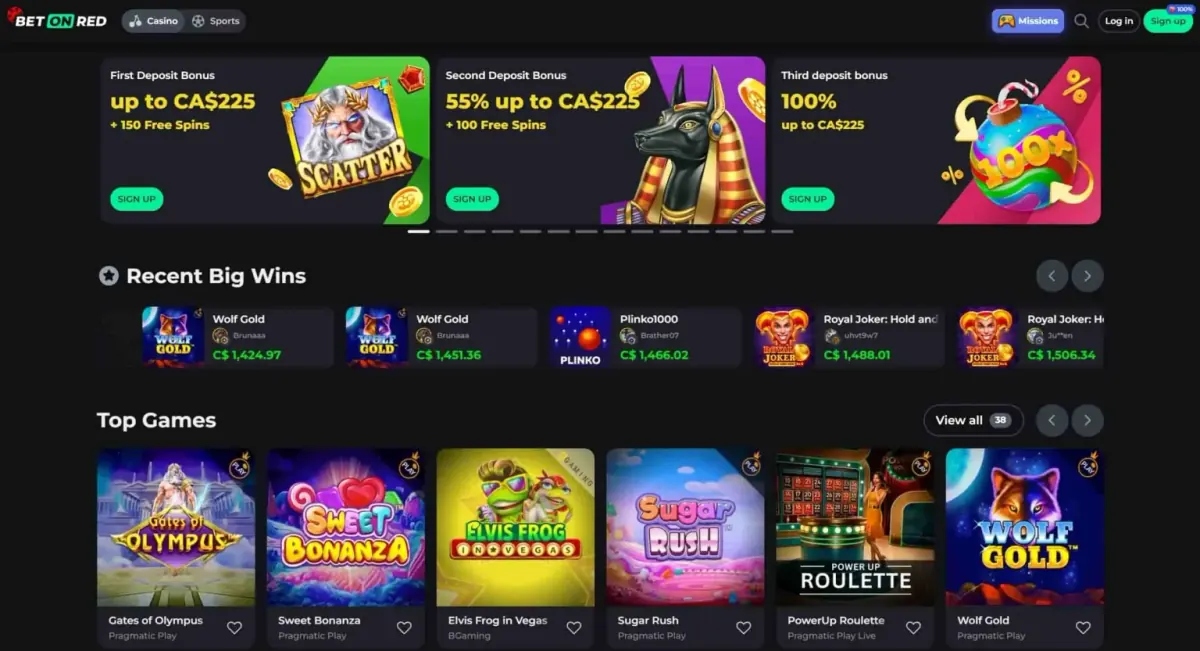
- Click the "Login" button in the top-right corner of the homepage.
- Enter the email address or username you used when registering.
- Type your password into the relevant field.
- Click the "Login" button to enter your account.
After logging in, you'll be taken to your dashboard. From there, you can make deposits, play games, claim bonuses, and update your account settings.
Honestly, it's best to use the "Remember Me" option only on personal or trusted devices, so your login details stay stored safely for future visits.
Password Recovery
If you've forgotten your password, the recovery process is quick and fairly simple:
- Click the "Forgot Password?" link below the login form.
- Enter the email address linked to your account.
- Click the "Send Recovery Email" button.
- Check your inbox for an email from Bet On Red. It's worth checking your spam or junk folder too.
- Open the password reset link included in the email.
- Set a new password and confirm it.
It's a good idea to create a strong password using a mix of uppercase and lowercase letters, numbers, and special characters.
If anything goes wrong during recovery, our support team is available around the clock and can help you sort it out.
Login Issues and Troubleshooting
If you can't log in to your Bet On Red account, the tips below may actually help fix the problem.
Incorrect Login Details
Double-check that your email or username and password are correct. Look out for typing errors or case sensitivity issues. If you're not sure about your login details, use the password recovery option mentioned above.
Account Lockout
If there have been several failed login attempts, your account may be temporarily locked for security reasons. Wait a few minutes and try again, or contact our support team if you need help unlocking it.
Internet Connectivity
A weak or unstable internet connection can interrupt the login process. Make sure you're connected to a reliable network before trying again.
Browser Compatibility
Bet On Red works best on updated versions of modern browsers such as Google Chrome, Firefox, Safari, and Microsoft Edge. If your browser is outdated, try updating it or switching to a different one.
Device Issues
Cached data or cookies on your device can sometimes cause login issues. Try clearing your browser cache or signing in through Incognito or Private browsing mode. You can also try logging in from a different device.
Two-Factor Authentication
If you've enabled two-factor authentication (2FA), make sure you can access your authenticator app or email so you can enter the verification code during login.
Account Suspension
Accounts may be restricted because of incomplete verification, terms of service violations, or suspicious activity. If you think your account has been suspended, please contact our support team for more information.
Contact Support
If none of these suggestions solve the issue, our support team is ready to assist:
- Live Chat: Available 24/7 directly on our website
- Email: [email protected]
- Help Centre: Visit our FAQ page for quick answers
When you get in touch, include your registered email address, a description of the issue, and any relevant screenshots. That kind of information helps our team resolve things faster.
Security Reminder
Always log out of your account when using shared or public devices. Never share your login details with anyone, and be careful with phishing emails or messages claiming to be from Bet On Red. We will never ask for your password via email or chat.
At Bet On Red, your security and satisfaction matter to us. If you've got any more questions about logging in or managing your account, don't hesitate to contact our support team.